Showing 1–12 of 1517 results

Filter by price

    Shop

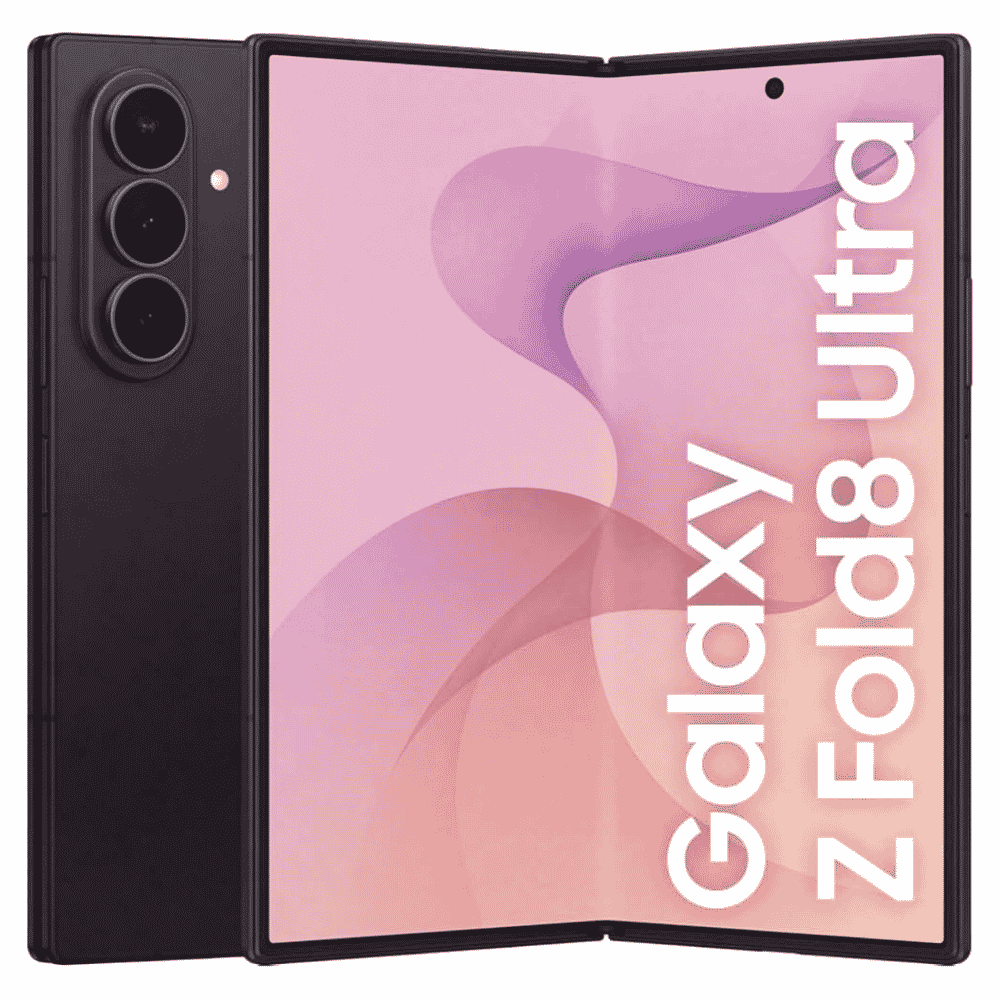
    Galaxy Z Fold8 Ultra 5G – Amazingly slim. Multitask to the max.

    In stock

    Price range: KShs215,500 through KShs239,500
    Select options WhatsAppEnquire Now This product has multiple variants. The options may be chosen on the product page

    SKU: SM-F976B
    Weight 0.420 kg
    Dimensions 18.5 × 9.5 × 3.0 cm
    Color

    Graphite

    ,

    Cream

    ,

    Techno Violet

    Storage

    256GB + 12GB

    ,

    512GB + 12GB

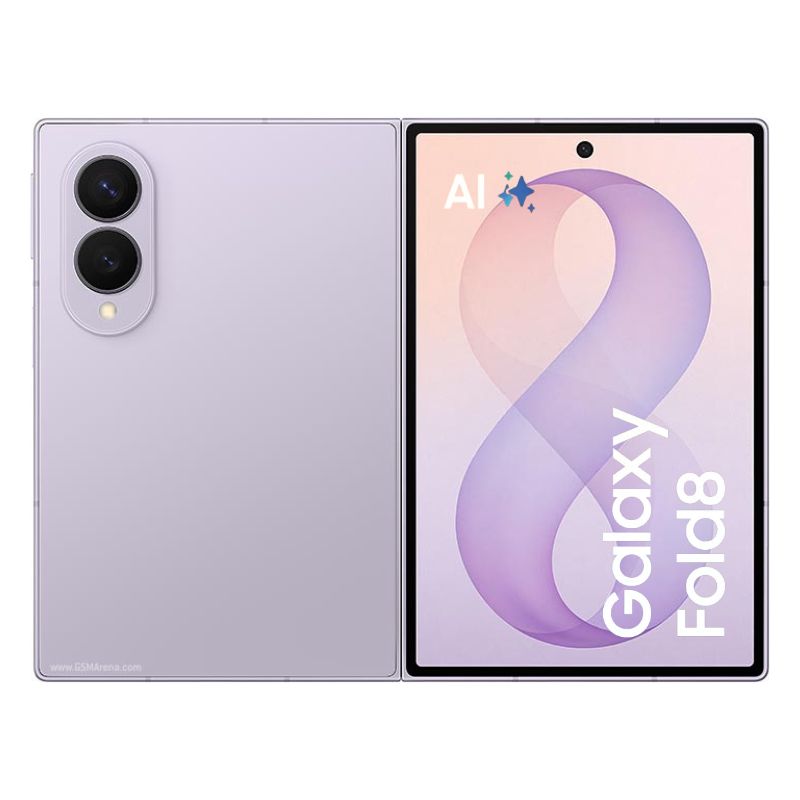
    Galaxy Z Fold8 by Samsung — Amazing New Design. Wider Screen. Powered by AI

    In stock

    Price range: KShs202,500 through KShs214,500
    Select options WhatsAppEnquire Now This product has multiple variants. The options may be chosen on the product page
    SKU: SM-F971
    Color

    Lavender

    ,

    Cream

    ,

    Graphite

    Storage

    256 + 12GB

    ,

    512 + 12GB

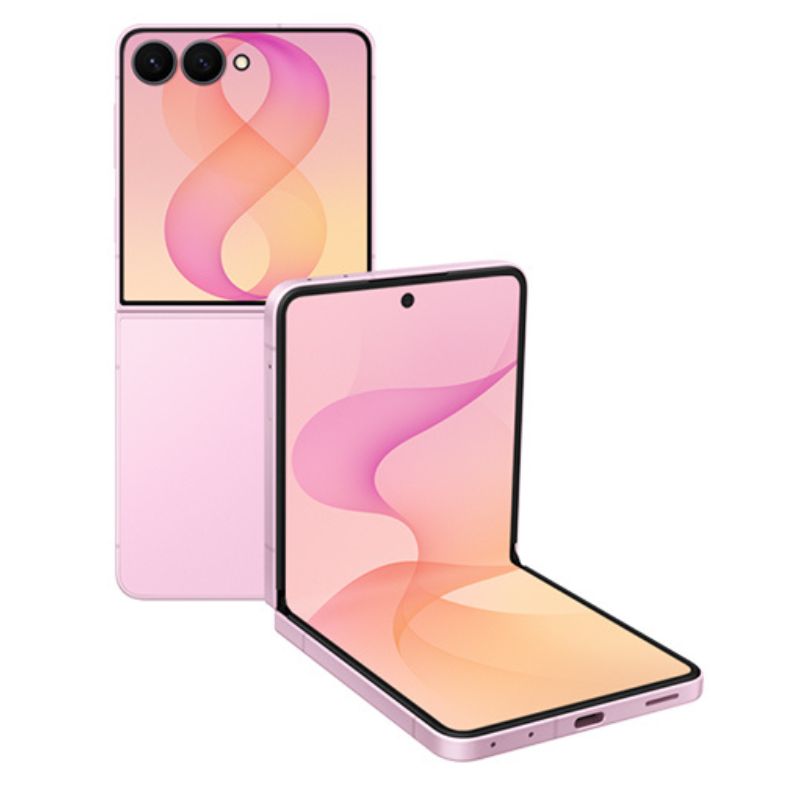
    Galaxy Z Flip8 by Samsung — Amazing Design, Bigger FlexWindow & Smarter AI

    In stock

    Price range: KShs147,000 through KShs167,500
    Select options WhatsAppEnquire Now This product has multiple variants. The options may be chosen on the product page
    Color

    Pink

    ,

    Graphite

    ,

    Cream

    Storage

    256 + 12GB

    ,

    512 + 12GB

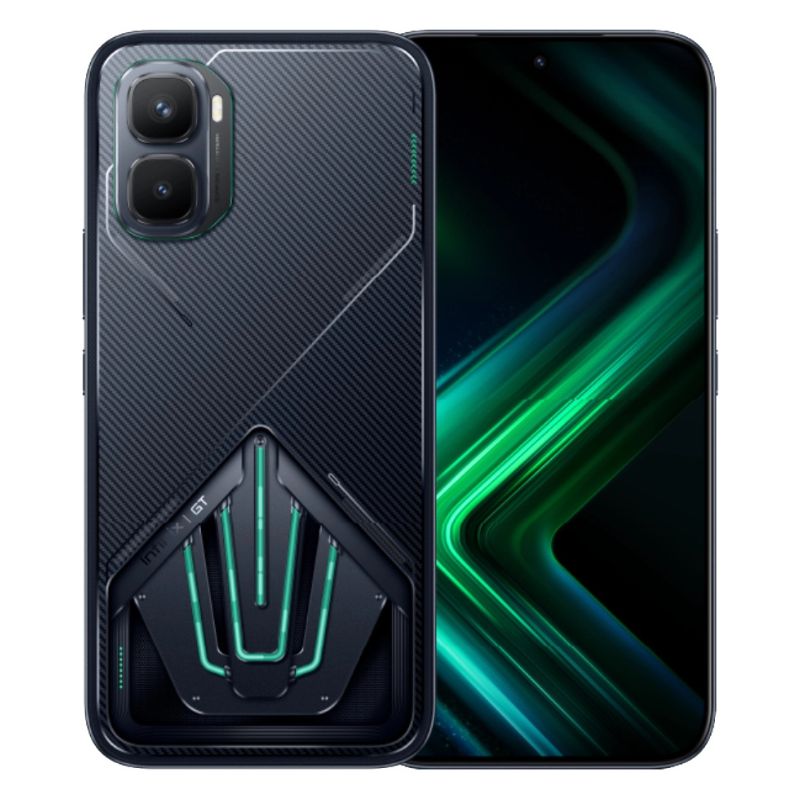
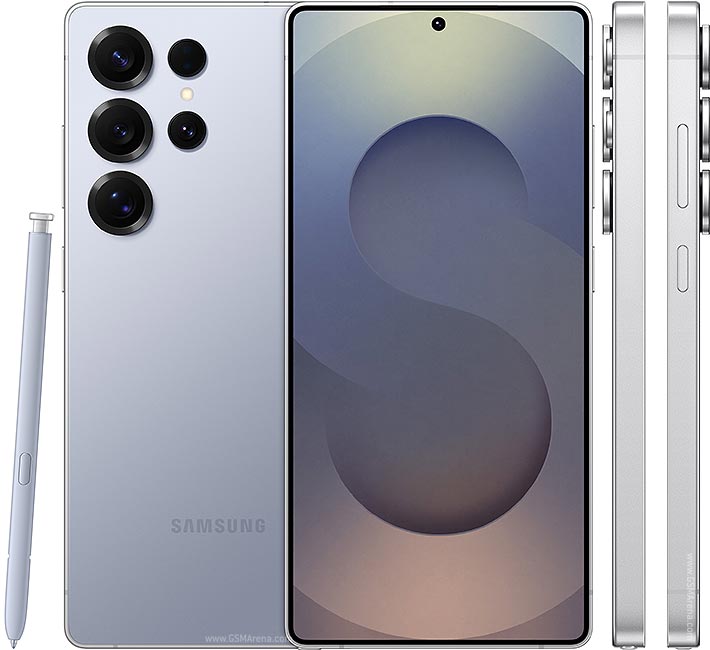
    Infinix GT 50 Pro 5G 256 | 12GB RAM — Powerful 144Hz Gaming Phone, Built to Impress

    In stock

    KShs61,299
    Select options WhatsAppEnquire Now This product has multiple variants. The options may be chosen on the product page
    SKU: X6891
    Color

    Black Abyss

    ,

    Red Blaze

    ,

    Silver Glacier

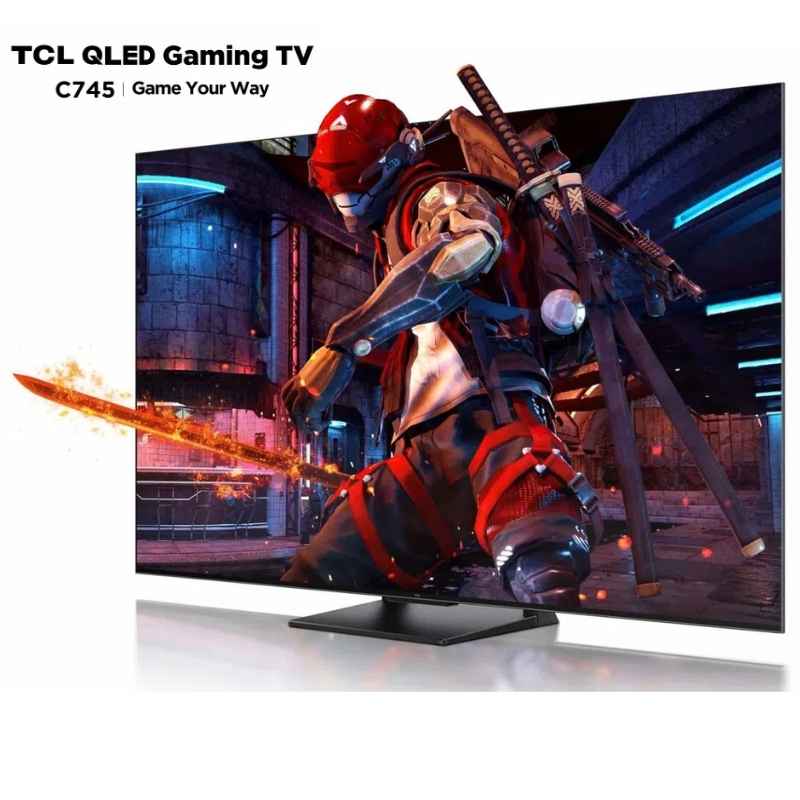
    Samsung Galaxy S25 Ultra – Powerful 200MP Camera Titanium Flagship with 6.9″ Display & 7‑Year Updates

    In stock

    Price range: KShs115,000 through KShs131,000
    Select options WhatsAppEnquire Now This product has multiple variants. The options may be chosen on the product page
    Storage & RAM

    ,

    Color

    ,

    ,

    ,

    ,

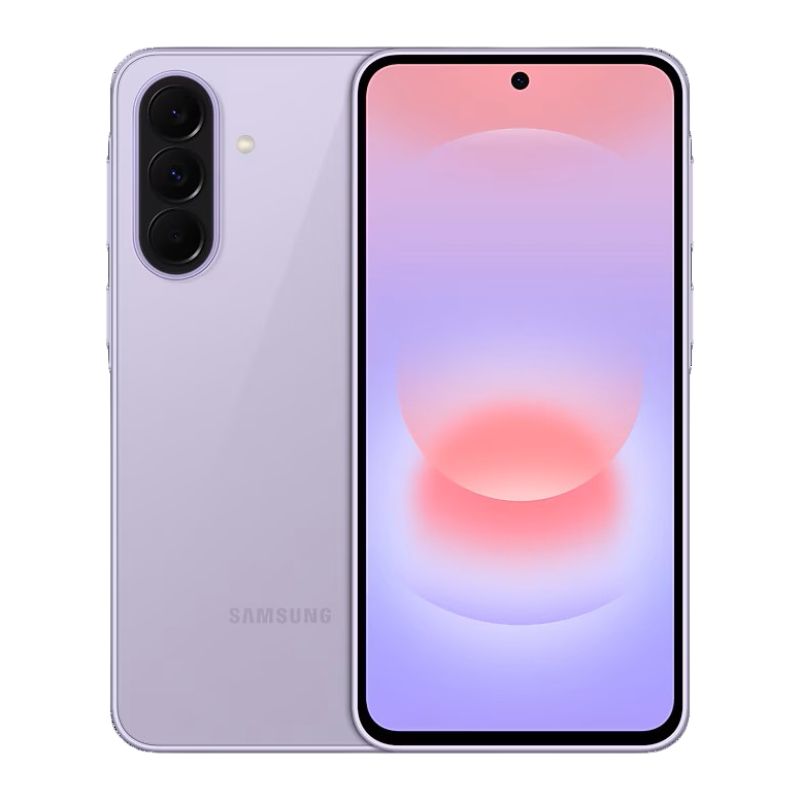
    Samsung Galaxy A37 5G – Revolutionary 120Hz AMOLED Phone with 50MP OIS & 45W Charging

    In stock

    Price range: KShs40,000 through KShs45,000
    Select options WhatsAppEnquire Now This product has multiple variants. The options may be chosen on the product page
    Color

    Black

    ,

    Green

    ,

    Purple

    ,

    White

    Storage & RAM

    128+6GB

    ,

    256+8GB

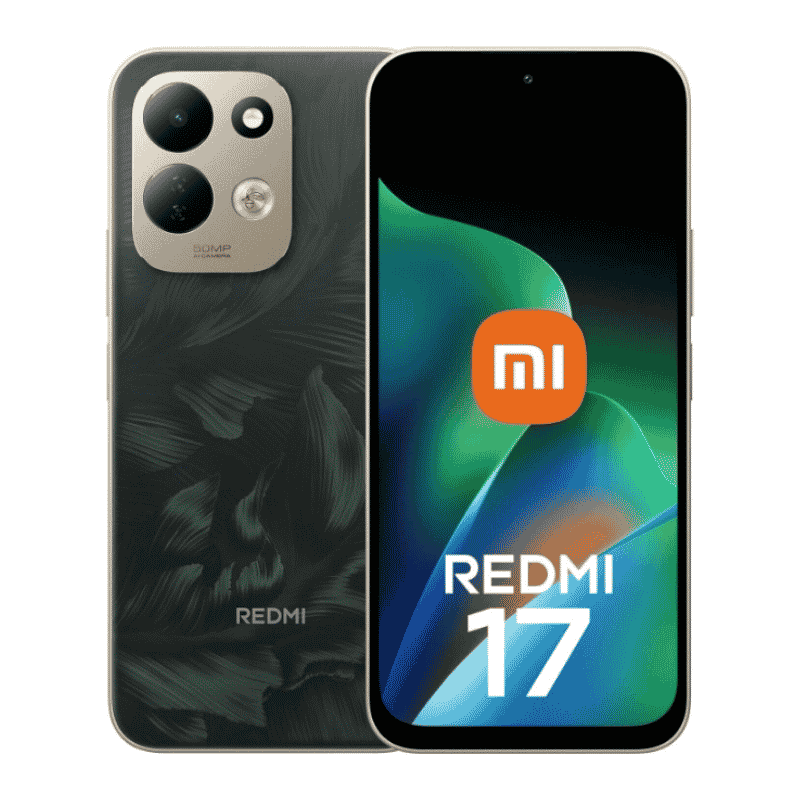
    Xiaomi Redmi 17 4G — Massive battery. Long-lasting power.

    In stock

    Price range: KShs20,500 through KShs29,000
    Select options WhatsAppEnquire Now This product has multiple variants. The options may be chosen on the product page
    Storage

    128+4GB

    ,

    128+6GB

    ,

    256+4GB

    ,

    256+6GB

    Color

    Black

    ,

    Deep Blue

    ,

    Lotus Purple

    ,

    Oak Green

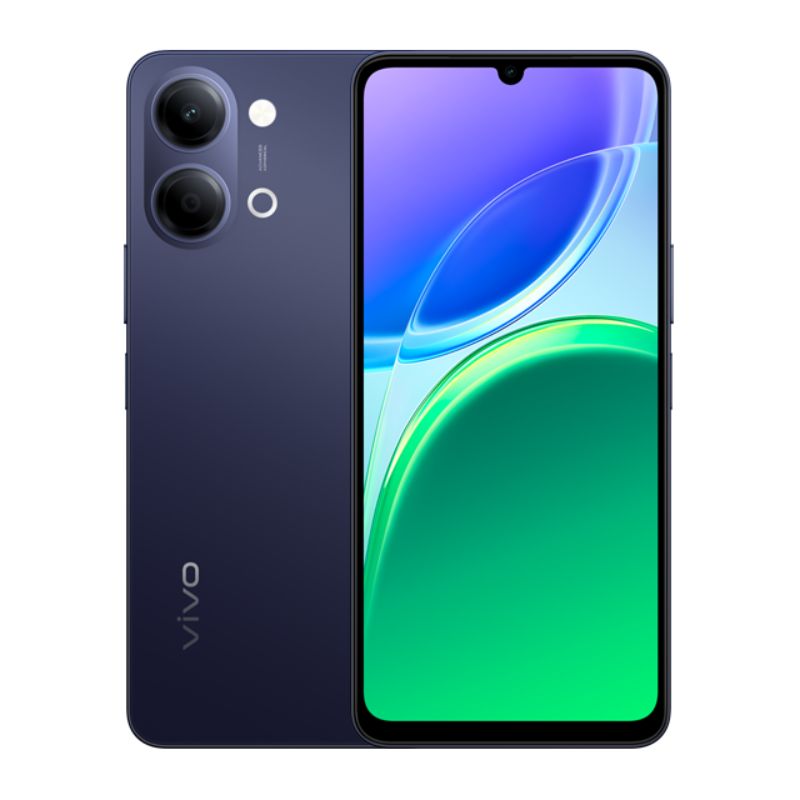
    Vivo Y05 — Unstoppable 6500mAh Battery Powerhouse with 120Hz Display

    In stock

    Price range: KShs18,999 through KShs20,999
    Select options WhatsAppEnquire Now This product has multiple variants. The options may be chosen on the product page
    Storage

    64+4GB

    ,

    128+4GB

    Color

    Voyage Black

    ,

    Summit Platinum

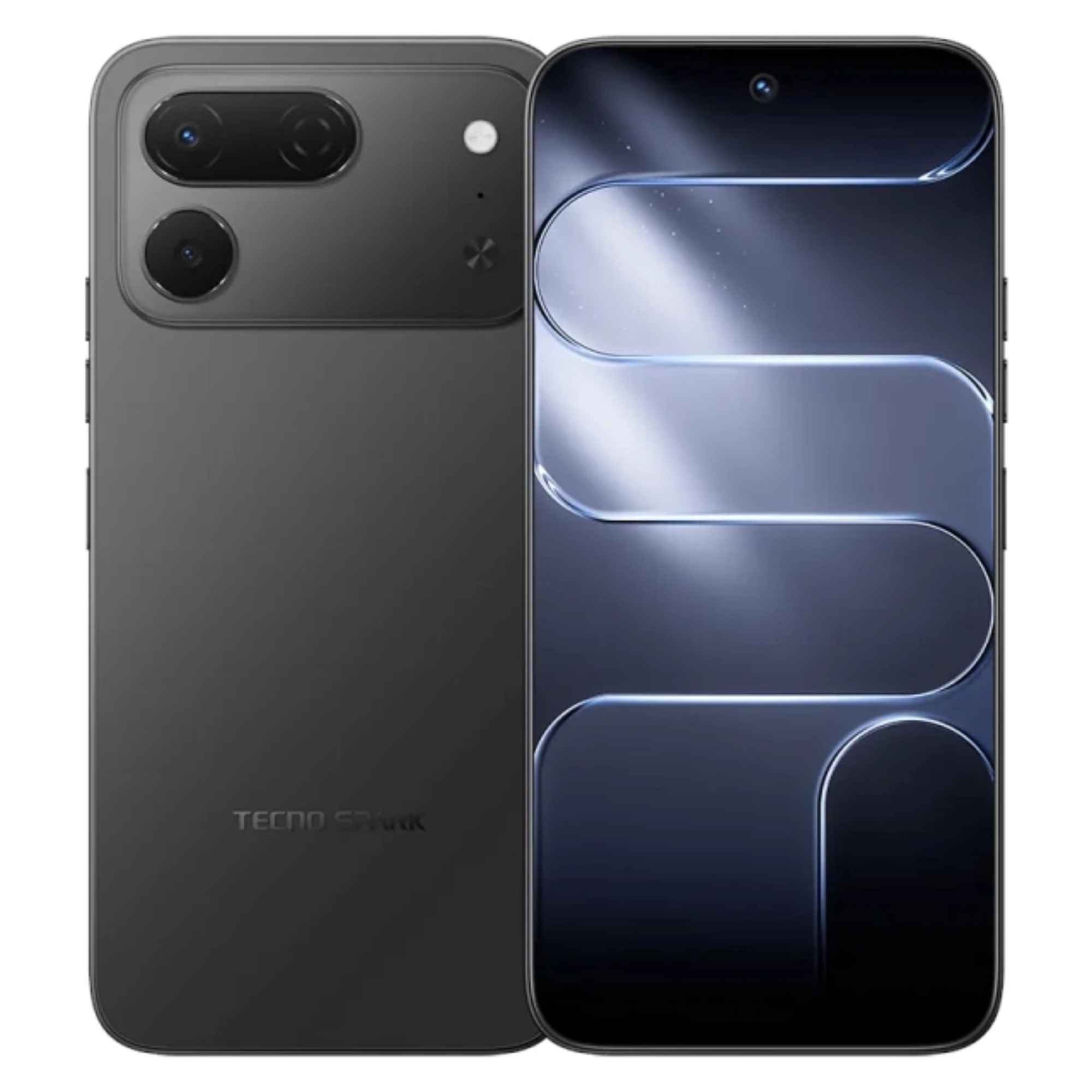
    Tecno Spark 50 Pro 4G — Price & Specifications in Kenya

    In stock

    Price range: KShs21,999 through KShs25,999
    Select options WhatsAppEnquire Now This product has multiple variants. The options may be chosen on the product page
    SKU: KO5
    Weight N/A
    Dimensions N/A
    Color

    Ink Black

    ,

    Titanium Grey

    ,

    Midnight Blue

    ,

    Dynamic Orange

    ,

    Cloud White

    Storage

    128 + 4GB

    ,

    256 + 4GB

    Samsung Galaxy A57 – Powerful 5G Phone with 120Hz AMOLED & 50MP OIS Camera

    In stock

    Price range: KShs45,000 through KShs55,000
    Select options WhatsAppEnquire Now This product has multiple variants. The options may be chosen on the product page
    Storage

    128+8gb

    ,

    256+8gb

    Color

    Black

    ,

    Green

    ,

    Purple

    ,

    White

    TCL C7L SQD-Mini LED TV — 85-inch & 65-inch 4K HDTV

    In stock

    Price range: KShs134,000 through KShs251,500
    Select options WhatsAppEnquire Now This product has multiple variants. The options may be chosen on the product page
    Inches

    65-inch

    ,

    85-inch

    Shopping cart
    Sign in

    No account yet?

    Chat with us
    0 items Cart
    Let's chat on WhatsApp
    Welcome to GEA! 👋 How can I help you today?
    e3685663bd";

    Hp Laserjet Mfp M141a – Essential USB Mono Laser Printer

    Discover the HP LaserJet MFP M141a in our detailed review. Explore its compact design, 20ppm speed, and reliable performance for home office use.

    KShs25,500

    Enquire Now
    21 People watching this product now!
    • Pick up from the GEA Store

    To pick up today

    Free

    • Courier delivery

    Our courier will deliver to the specified address

    2-3 Days

    Free

    • DHL Courier delivery

    DHL courier will deliver to the specified address

    2-3 Days

    Free

    • Warranty 1 year

    Payment Methods:

    Description

    HP LaserJet MFP M141a Review – Essential USB Mono Laser Printer for Home Office

    Discover the HP LaserJet MFP M141a in our detailed review. Explore its compact design, 20ppm speed, and reliable performance for home office use.


    HP LaserJet MFP M141a Key Specifications at a Glance

    Feature Specification
    Print Speed Up to 20 ppm (A4), 21 ppm (Letter)
    First Page Out As fast as 8.5 seconds (from ready mode)
    Print Resolution Up to 600 × 600 dpi
    Processor 500 MHz
    Memory 64 MB standard
    Display LED indicators with 3 buttons (Power, Copy, Cancel)
    Toner Cartridge HP 150A Black (W1500A), starter ~500 pages, replacement ~975 pages
    Duty Cycle Up to 8,000 pages/month; Recommended: 100 – 1,000 pages
    Copy Speed Up to 20 cpm
    Copy Resolution 600 × 400 dpi
    Copy Features Up to 99 copies, 25%–400% reduce/enlarge, ID copy
    Scan Technology CIS (Contact Image Sensor), optical up to 600 ppi
    Scan Formats PDF, JPG, TIFF, PNG, RAW (BMP)
    Paper Input 150-sheet input tray
    Paper Output 100-sheet output bin
    Media Sizes A4, A5, A6, C5, DL envelopes, custom (105×148 to 216×355.6 mm)
    Connectivity Hi-Speed USB 2.0 (USB cable not included)
    Dimensions 360 × 264 × 197 mm
    Weight Approximately 5.39 kg
    Power 220–240V, 50/60Hz, Auto-On/Auto-Off Technology
    Certifications EPEAT® Silver, Blue Angel, Energy Star 3.0, IT ECO Declaration
    Warranty 1-year limited hardware warranty

    Table of Contents

    • Introduction of HP LaserJet MFP M141a

    • Compact Design and Space-Saving Footprint of HP LaserJet MFP M141a

    • Core Performance and Print Specifications of HP LaserJet MFP M141a

    • USB Connectivity and Mobile Printing of HP LaserJet MFP M141a

    • User-Friendly Operation and Intuitive Controls of HP LaserJet MFP M141a

    • Scanning Capabilities of HP LaserJet MFP M141a

    • Paper Handling and Media Flexibility of HP LaserJet MFP M141a

    • Real-World User Experiences with HP LaserJet MFP M141a

    • Energy Efficiency and Environmental Considerations of HP LaserJet MFP M141a

    • Consumables and Total Cost of Ownership of HP LaserJet MFP M141a

    • Pros and Cons of HP LaserJet MFP M141a

    • Frequently Asked Questions (FAQ) About HP LaserJet MFP M141a

    • Conclusion – Is the HP LaserJet MFP M141a Worth It?


    1. Introduction of HP LaserJet MFP M141a

    In the modern era of remote work and home-based businesses, having a dependable printing solution that doesn’t dominate your desk space or complicate your life is essential. The HP LaserJet MFP M141a arrives as a purpose-built monochrome multifunction printer designed specifically for home offices and small workgroups that need reliable print, copy, and scan functionality in a compact, USB-connected package.

    As HP’s smallest multifunction laser printer in its class, this device combines essential features with straightforward USB connectivity, making it an ideal choice for users who prioritize simplicity and space efficiency without compromising on performance. Whether you are printing homework assignments, scanning important documents, or copying identification cards, the HP LaserJet MFP M141a is engineered to handle everyday tasks with remarkable ease and professional-quality results.

    The HP LaserJet MFP M141a is engineered for home users, students, and small offices who demand reliable monochrome printing, copying, and scanning in a compact form factor. Whether you are a remote worker who needs a dependable printer for documents, a student who requires affordable printing for assignments, a small business owner who values space efficiency, or someone who prefers straightforward USB connectivity, this device is built to meet your needs.

    The combination of up to 20ppm print speed, 600 x 600 dpi resolution, 150-sheet input tray, and compact design makes it one of the most practical monochrome multifunction printers available for home office use.

    For Android users, the HP LaserJet MFP M141a offers compatibility with the Android ecosystem through the HP Smart app when connected to a computer, enabling remote printer management and monitoring. The device supports Mopria printing through connected environments for versatile printing solutions.

    Explore more HP printers at our shop .


    2. Compact Design and Space-Saving Footprint of HP LaserJet MFP M141a

    The first thing you will notice about the HP LaserJet MFP M141a is its incredibly compact design. Measuring just 360 x 264 x 197 mm and weighing approximately 5.39 kg, this printer occupies minimal desk space while delivering full multifunction capabilities.

    Key design features:

    • Compact dimensions: 360 × 264 × 197 mm.

    • Lightweight: Approximately 5.39 kg.

    • Clean white aesthetic: Blends into any home office environment.

    • Front-loading paper tray: Convenient access for refilling.

    • Accessible control panel: Simple, intuitive operation.

    • Small footprint: Perfect for limited desk space.

    What the design offers:

    • Space efficiency: Occupies minimal desk space.

    • Versatile placement: Fits on desks, shelves, or small workstations.

    • Professional appearance: Clean design suits any environment.

    • Easy access: Front-loading tray and accessible controls.

    Design highlights:

    • Compact footprint: HP’s smallest MFP in its class.

    • 360 × 264 × 197 mm: Minimal desk space required.

    • 5.39 kg: Lightweight and portable.

    • Clean aesthetic: Professional appearance.

    Users consistently praise its small footprint, with one reviewer noting it is “compact. Suitable for home use” and another describing it as “very compact, tidy design.” A South Korean user commented that “the size is compact so it doesn’t take up much space and is neat.”

    The front-loading paper tray and accessible control panel ensure that daily operations remain convenient despite the reduced dimensions.

    For Android users, the compact design makes the HP LaserJet MFP M141a an ideal addition to any home office setup, seamlessly integrating with the Android ecosystem through connected environments.


    3. Core Performance and Print Specifications of HP LaserJet MFP M141a

    At the heart of the HP LaserJet MFP M141a lies dependable print performance that keeps pace with everyday home and small office demands.

    Key performance features:

    • Print speed: Up to 20 ppm (A4), 21 ppm (Letter).

    • First page out: As fast as 8.5 seconds (from ready mode).

    • Print resolution: Up to 600 × 600 dpi.

    • Processor: 500 MHz.

    • Memory: 64 MB standard.

    • Duty cycle: Up to 8,000 pages/month.

    • Recommended volume: 100 – 1,000 pages/month.

    What the performance offers:

    • Fast printing: 20 ppm keeps pace with daily demands.

    • Quick first page: 8.5 seconds from ready mode.

    • Crisp text: 600 × 600 dpi for professional-quality documents.

    • Reliable processing: 500 MHz processor and 64 MB memory.

    • Light to moderate use: Ideal for home and small office environments.

    Performance highlights:

    • 20 ppm speed: Fast for home office use.

    • 8.5 sec first page: Quick response.

    • 600 × 600 dpi: Crisp, professional text.

    • 500 MHz processor: Efficient processing.

    Print resolution reaches up to 600 x 600 dpi, ensuring that text appears crisp and professional-quality suitable for documents, reports, and correspondence. Powered by a 500 MHz processor and 64 MB of standard memory, the printer handles typical workloads with efficiency.

    Toner cartridge details:

    • HP 150A Black (W1500A): Single cartridge simplifies replacement.

    • Starter cartridge: ~500 pages included.

    • Replacement cartridge: ~975 pages.

    • Easy maintenance: Simple cartridge replacement.

    It is important to note that the HP LaserJet MFP M141a does not feature automatic duplex printing. Users needing double-sided output must manually flip pages, a consideration for those who frequently print two-sided documents. One user confirmed that “double sided possible manually.”

    For most home users, this trade-off is acceptable given the printer’s affordable price point and compact size.

    For Android users, the reliable print performance ensures seamless document printing when using the Android ecosystem through connected environments.


    4. USB Connectivity and Mobile Printing of HP LaserJet MFP M141a

    The HP LaserJet MFP M141a is designed as a USB-connected device, featuring one Hi-Speed USB port compatible with USB 2.0 specifications.

    Key connectivity features:

    • Hi-Speed USB 2.0: Wired connection to a single computer.

    • No built-in wireless: Straightforward USB connectivity.

    • USB cable not included: Must be purchased separately.

    • HP Smart app: Remote printer management and monitoring.

    • Mopria support: Printing through connected environments.

    • Android ecosystem compatibility: Mobile printing when properly configured.

    What the connectivity offers:

    • Straightforward setup: Simple USB connection to a computer.

    • Reliable connection: Wired stability for consistent printing.

    • Remote management: HP Smart app for monitoring and control.

    • Mobile printing: Works with Android devices when connected through a computer.

    Connectivity highlights:

    • USB 2.0: Simple, reliable connection.

    • No Wi-Fi: Focus on wired simplicity.

    • HP Smart app: Enhanced functionality.

    • Mopria support: Versatile printing options.

    Unlike its “w” counterpart, this model does not include built-in wireless capability, making it a straightforward choice for users who prefer a direct, wired connection to a single computer. Multiple users have noted that the USB cable is not included in the box, so this must be purchased separately.

    HP Smart app benefits:

    • Remote management: Monitor and manage the printer.

    • Enhanced functionality: Access additional features.

    • User-friendly: Intuitive app interface.

    • Comprehensive control: Full printer management.

    While the printer itself lacks Wi-Fi, users can still leverage mobile printing capabilities through the HP Smart app when connected to a computer. The app, available for download, enables additional functionality including remote printer management and monitoring.

    Mobile printing options:

    • Mopria printing: Through connected environments.

    • Android compatibility: Works with Android devices.

    • Apple printing: Supports Apple printers when configured.

    • Google printer support: Versatile printing options.

    For Android users, the HP LaserJet MFP M141a can work with mobile devices when connected through a computer or when using compatible setups, aligning with the broader Android ecosystem for versatile printing solutions. One Korean user enthusiastically noted that “wireless printing support with Apple printer and Google printer support and app fax scan PDF is so convenient” when properly configured.

    For Android users, the connectivity options ensure you can stay productive when using the Android ecosystem for printing needs.


    5. User-Friendly Operation and Intuitive Controls of HP LaserJet MFP M141a

    HP has prioritized simplicity in the design of the M141a’s user interface. The control panel features a straightforward LED display with three buttons (Power, Copy, and Cancel), complemented by indicator LEDs for status monitoring.

    Key control features:

    • Three-button control panel: Power, Copy, Cancel.

    • LED indicators: Printer status, toner levels, error conditions.

    • Minimalist layout: Intuitive navigation.

    • One-touch ID copy: Copy both sides of ID card onto one page.

    • User-friendly: Simple operation without a manual.

    What the controls offer:

    • Intuitive operation: Simple buttons for core functions.

    • Status at a glance: LED indicators for printer status.

    • Quick ID copying: One-touch ID copy function.

    • Easy navigation: Minimalist layout reduces confusion.

    Control highlights:

    • 3 buttons: Simple, intuitive.

    • LED indicators: Clear status communication.

    • ID copy: One-touch convenience.

    • User-friendly: Easy for any user.

    This minimalist layout makes navigation intuitive, allowing any user to access core functions without consulting a manual. One user confirmed it is “simple to operate.” The LED indicators clearly communicate printer status, toner levels, and error conditions at a glance.

    ID copy function details:

    • Two-sided to one-sided: Copy both sides of an ID card.

    • No manual alignment: Automatic positioning.

    • HR and registration: Ideal for document duplication.

    • Quick and easy: One-touch operation.

    A standout feature for everyday use is the one-touch ID copy function, which allows users to easily copy both sides of an identification card onto a single side of a page without complex manual alignment. This proves invaluable for HR departments, registration desks, or any situation requiring quick document duplication.

    Copy features:

    • Up to 99 copies: Batch copying.

    • Reduce/enlarge: 25% to 400% scaling.

    • Copy resolution: 600 × 400 dpi.

    • Clear reproductions: Professional-quality copies.

    The copier offers up to 99 copies with reduce/enlarge settings from 25% to 400%, providing flexibility for various copying needs. Copy resolution reaches 600 x 400 dpi, ensuring clear reproductions.

    For Android users, the user-friendly controls ensure straightforward operation when using the Android ecosystem through connected environments.


    6. Scanning Capabilities of HP LaserJet MFP M141a

    The HP LaserJet MFP M141a includes a capable flatbed scanner utilizing CIS (Contact Image Sensor) technology.

    Key scanning features:

    • CIS technology: Compact, reliable scanning.

    • Optical resolution: Up to 600 ppi.

    • Color depth: 24-bit.

    • Scan destinations: PDF, JPG, TIFF, PNG, RAW (BMP).

    • Document size: Up to 216 × 297 mm (A4/Letter).

    • TWAIN and WIA compatibility: Integration with document management software.

    What the scanner offers:

    • Clear scans: 600 ppi resolution for documents and images.

    • Versatile formats: Save as PDF, JPG, TIFF, PNG, and more.

    • Standard sizes: Handles A4 and letter documents.

    • Software integration: TWAIN and WIA for workflow compatibility.

    Scanning highlights:

    • 600 ppi optical: Clear document capture.

    • 24-bit color: Rich color for images.

    • Multiple formats: PDF, JPG, TIFF, PNG.

    • TWAIN/WIA: Software integration.

    With optical scan resolution up to 600 ppi and 24-bit color depth, the scanner captures documents with sufficient clarity for archiving and sharing. Users can scan to a variety of destinations including PDF, JPG, TIFF, PNG, and RAW (BMP) formats.

    Scan destinations:

    • PDF: Standard document format.

    • JPG: Image format for photos.

    • TIFF: High-quality image format.

    • PNG: Web-friendly format.

    • RAW (BMP): Uncompressed format.

    The scanner accommodates documents up to 216 x 297 mm, handling standard A4 and letter-sized materials with ease. The scanner’s TWAIN and WIA compatibility ensures integration with a wide range of document management software, making it suitable for both personal and professional use.

    User feedback:

    One user noted that scanning works well for their needs, describing the device as an “excellent assistant during correspondence studies” producing “control tests, term papers prints great, ink does not smudge.” Another user appreciated the “scan to email, scan to PDF” capabilities enabled through the HP software.

    For Android users, the scanning capabilities integrate seamlessly with the Android ecosystem for easy document sharing and archiving.


    7. Paper Handling and Media Flexibility of HP LaserJet MFP M141a

    The HP LaserJet MFP M141a features a 150-sheet input tray that accommodates up to 10 envelopes, providing sufficient capacity for most home and small office needs without constant refilling.

    Key paper handling features:

    • 150-sheet input tray: Ample capacity for home use.

    • 100-sheet output bin: Neat document organization.

    • Media types: Plain paper, envelopes, postcards, labels.

    • Media sizes: A4, A5, A6, C5, DL, custom sizes.

    • Paper weight: 65 to 120 g/m².

    • Up to 10 envelopes: Convenient envelope printing.

    What the paper handling offers:

    • Sufficient capacity: 150 sheets for daily tasks.

    • Media versatility: Handles various paper types.

    • Envelope printing: Up to 10 envelopes.

    • Reliable feeding: Consistent paper handling.

    Paper handling highlights:

    • 150-sheet input: Good capacity.

    • 100-sheet output: Neat organization.

    • Versatile media: Plain, envelopes, labels.

    • Reliable: No paper jams reported.

    Media versatility is appropriate for its class, supporting plain paper, envelopes, postcards, and labels. Supported media sizes include A4, A5, A6, C5 envelopes, DL envelopes, and custom sizes from 105 x 148 mm to 216 x 355.6 mm.

    Media types:

    • Plain paper: Everyday documents.

    • Envelopes: C5, DL, and more.

    • Postcards: Cardstock printing.

    • Labels: Label sheets.

    The main tray accommodates paper weights from 65 to 120 g/m², suitable for everyday printing tasks. The paper tray location at the front of the device receives positive feedback from users who appreciate the easy access for refilling. The printer handles paper reliably, with one user confirming that it “does not jam paper.”

    For Android users, the reliable paper handling ensures consistent printing when using the Android ecosystem through connected environments.


    8. Real-World User Experiences with HP LaserJet MFP M141a

    Feedback from actual users of the HP LaserJet MFP M141a presents a mixed but predominantly positive picture, with 44 reviews on the HP Korea site averaging 5 stars.

    Positive feedback highlights:

    • Compact size: Ideal for home use.

    • Ease of use: Simple operation.

    • Print quality: Crisp, professional text.

    • Fast speed: 20ppm meets daily needs.

    • Great value: Affordable multifunction printer.

    Positive user comments:

    One Korean reviewer praised it as “great value for money home printer,” noting that “size is compact and print speed is fast” and “Wi-Fi function purchase, printing directly from smartphone is good.” Another user described it as “economical multifunction printer” that is “small and compact, perfect for home use.”

    Negative feedback concerns:

    • Software complexity: Some users found setup complicated.

    • HP account required: Sign-in required for scanning and printing.

    • Starter cartridge: Only 500 pages, some found insufficient.

    • USB cable not included: Must be purchased separately.

    • Defective units: Some users reported issues.

    Negative user comments:

    One Hong Kong customer rated it 1 star, stating it is “too complicated for use. Software terrible,” complaining that “I must sign in to scan or print? To make user name and stupid password for stupid printer. It won’t work without signing in.” Another user gave a 1-star rating and advised to “avoid this product at all costs,” citing issues with the online app interface and unreliable scanner connectivity.

    Toner concerns:

    The starter toner cartridge yields only 500 pages, which some users found insufficient. One reviewer noted the “resource of the cartridge is 500 pages, which is a bit low.” Another user commented that “the paint ran out quickly.” Several users mentioned the lack of included USB cable as an inconvenience.

    User satisfaction summary:

    Despite some negative experiences, the majority of users find the HP LaserJet MFP M141a to be a reliable, compact, and affordable solution for home office printing needs. Users consistently highlight its small footprint, ease of use, and reliable print quality.

    For Android users, the HP LaserJet MFP M141a offers reliable printing and scanning capabilities when using the Android ecosystem through connected environments.


    9. Energy Efficiency and Environmental Considerations of HP LaserJet MFP M141a

    HP has engineered the LaserJet MFP M141a with energy efficiency as a core consideration.

    Key energy features:

    • HP Auto-On/Auto-Off Technology: Reduces energy consumption during inactivity.

    • Energy Star 3.0: Energy-efficient certification.

    • Blue Angel: Environmental certification.

    • EPEAT® Silver: Sustainable design recognition.

    • TEC: 0.255 kWh/week (Energy Star), 0.259 kWh/week (Blue Angel).

    • IT ECO Declaration: Environmental compliance.

    What the energy features offer:

    • Reduced energy consumption: Auto-On/Auto-Off saves power.

    • Environmental certifications: Meets strict standards.

    • Lower electricity bills: Energy-efficient operation.

    • Sustainable design: Reduced environmental impact.

    Energy highlights:

    • Auto-On/Auto-Off: Energy saving.

    • Energy Star 3.0: Certified efficiency.

    • EPEAT Silver: Sustainable design.

    • Low TEC: Minimal energy consumption.

    Power consumption is carefully managed, with typical electricity consumption (TEC) rated at 0.255 kWh per week for Energy Star 3.0 and 0.259 kWh per week for Blue Angel standards.

    Environmental certifications:

    • EPEAT® Silver: Recognized in several regions.

    • Blue Angel: Strict environmental standards.

    • IT ECO Declaration: Environmental compliance.

    • Energy Star 3.0: Energy efficiency.

    These certifications confirm the printer’s adherence to strict environmental standards, ensuring reduced environmental impact throughout its lifecycle.

    Operating environment:

    • Temperature: 15 to 32.5°C.

    • Humidity: 10 to 80% RH.

    • Reliable performance: In various home office environments.

    The printer operates within recommended temperature ranges of 15 to 32.5°C and humidity levels of 10 to 80% RH, ensuring reliable performance in various home office environments.

    For Android users, the energy-efficient design makes the HP LaserJet MFP M141a an environmentally responsible choice for the Android ecosystem .


    10. Consumables and Total Cost of Ownership of HP LaserJet MFP M141a

    The HP LaserJet MFP M141a utilizes the HP 150A Black toner cartridge (W1500A), which yields approximately 975 pages for replacement cartridges.

    Key consumable details:

    • Toner cartridge: HP 150A Black (W1500A).

    • Starter cartridge: ~500 pages included.

    • Replacement cartridge: ~975 pages.

    • Dynamic security: Works with new or reused HP chips.

    • Availability: Through HP and authorized retailers.

    What the consumables offer:

    • Simple replacement: Single cartridge system.

    • Immediate productivity: Starter cartridge included.

    • Cost-effective: ~975 pages per replacement.

    • Reliable performance: HP genuine cartridges.

    Consumable highlights:

    • HP 150A: Single cartridge.

    • ~500 pages starter: Immediate use.

    • ~975 pages replacement: Good yield.

    • HP genuine: Reliable quality.

    The printer ships with a starter cartridge yielding approximately 500 pages, allowing immediate productivity while planning first replacement. Replacement cartridges are available through HP and authorized retailers, with users noting that “compatible cartridges can be found” in some markets.

    Availability concerns:

    However, some users have reported challenges with cartridge availability. One reviewer from Belarus noted that “it’s impossible to officially, normally, profitably buy a cartridge. Apparently it’s under sanctions. Look for another option that you can easily refill yourself, for adequate money.”

    Users in markets with limited HP support should verify cartridge availability before purchase. The printer is designed with dynamic security measures, meaning it is intended to work with cartridges that have a new or reused HP chip, which users should consider when sourcing replacement toner.

    Total cost of ownership considerations:

    • Initial cost: Affordable printer price.

    • Toner cost: ~975 pages per cartridge.

    • USB cable: Must be purchased separately.

    • Software: Free HP Smart app.

    For Android users, the consumable costs and availability should be considered when integrating the HP LaserJet MFP M141a with the Android ecosystem .


    11. Pros and Cons of HP LaserJet MFP M141a

    Pros Cons
    ✔️ Compact design – HP’s smallest MFP, space-saving ✘ No automatic duplex printing – manual only
    ✔️ 20ppm print speed – fast for home office use ✘ No wireless connectivity – USB only
    ✔️ Crisp 600×600 dpi print quality – professional text ✘ USB cable not included – must purchase separately
    ✔️ Multifunction – print, copy, scan in one device ✘ Starter toner only ~500 pages – low yield
    ✔️ 150-sheet input tray – good capacity for home use ✘ Software setup – HP account required for some features
    ✔️ One-touch ID copy – convenient for document duplication ✘ Scanner software – some users reported issues
    ✔️ HP Smart app – remote management and monitoring ✘ No automatic document feeder (ADF) – flatbed only
    ✔️ Energy efficient – Auto-On/Auto-Off Technology ✘ 64MB memory – basic for large files
    ✔️ Affordable price point – budget-friendly ✘ HP cartridge availability – may be limited in some markets
    ✔️ EPEAT Silver certified – environmentally responsible ✘ LED display – basic, no touchscreen
    ✔️ Easy to use – simple 3-button control panel
    ✔️ Reliable paper handling – no jams reported
    ✔️ Lightweight 5.39 kg – easy to move
    ✔️ TWAIN/WIA scan support – software integration

    12. Frequently Asked Questions (FAQ) About HP LaserJet MFP M141a

    Q1: What is the print speed of the HP LaserJet MFP M141a?

    A: It delivers print speeds of up to 20 pages per minute for A4 documents and up to 21 pages per minute for letter-sized paper.

    Q2: Does the HP LaserJet MFP M141a have wireless connectivity?

    A: No, it is a USB-connected device with a Hi-Speed USB 2.0 port. The “w” variant offers wireless connectivity.

    Q3: Is the USB cable included in the box?

    A: No, the USB cable is not included. You will need to purchase a USB 2.0 cable separately.

    Q4: Does the HP LaserJet MFP M141a support automatic duplex printing?

    A: No, automatic duplex printing is not supported. Users must manually flip pages for double-sided output.

    Q5: What toner cartridge does the HP LaserJet MFP M141a use?

    A: It uses the HP 150A Black toner cartridge (W1500A). The starter cartridge yields approximately 500 pages, and replacement cartridges yield approximately 975 pages.

    Q6: Can I print from my Android phone or tablet?

    A: While the printer lacks built-in Wi-Fi, you can use the HP Smart app when connected through a computer. It supports Mopria printing through connected environments.

    Q7: What is the duty cycle of the HP LaserJet MFP M141a?

    A: The recommended monthly print volume is 100 to 1,000 pages, with a maximum duty cycle of up to 8,000 pages per month.

    Q8: What scanning capabilities does it have?

    A: It features a flatbed scanner with CIS technology, optical resolution up to 600 ppi, and supports scanning to PDF, JPG, TIFF, PNG, and RAW (BMP) formats.

    Q9: Does the HP LaserJet MFP M141a have an automatic document feeder (ADF)?

    A: No, it features a flatbed scanner only. There is no automatic document feeder.

    Q10: What is the paper capacity of the HP LaserJet MFP M141a?

    A: It has a 150-sheet input tray and a 100-sheet output bin.

    Q11: What media types does the HP LaserJet MFP M141a support?

    A: It supports plain paper, envelopes, postcards, and labels.

    Q12: What are the dimensions and weight?

    A: The printer measures 360 × 264 × 197 mm and weighs approximately 5.39 kg.

    Q13: What is the copy resolution?

    A: The copy resolution is 600 × 400 dpi.

    Q14: Does the HP LaserJet MFP M141a have an ID copy function?

    A: Yes, it features a one-touch ID copy function for copying both sides of an ID card onto one page.

    Q15: What software is available for the HP LaserJet MFP M141a?

    A: The HP Smart app is available for remote printer management and monitoring. The scanner supports TWAIN and WIA for software integration.

    Q16: How long is the warranty?

    A: The printer comes with a 1-year limited hardware warranty.

    Q17: What energy certifications does it have?

    A: It carries EPEAT® Silver, Blue Angel, Energy Star 3.0, and IT ECO Declaration certifications.

    Q18: Does the HP LaserJet MFP M141a support mobile printing?

    A: Yes, through the HP Smart app when connected to a computer, and it supports Mopria printing through connected environments.

    Q19: What are the power requirements?

    A: It operates on 220–240V, 50/60Hz with HP Auto-On/Auto-Off Technology.

    Q20: Is the HP LaserJet MFP M141a good for home office use?

    A: Yes, its compact design, reliable 20ppm speed, and essential multifunction capabilities make it an excellent choice for home offices and small workgroups.


    13. Conclusion – Is the HP LaserJet MFP M141a Worth It?

    The HP LaserJet MFP M141a successfully delivers on its promise of providing efficient, space-saving printing for home and small office environments. Its combination of up to 20ppm print speeds, intuitive controls, and straightforward USB connectivity makes it well-suited for users who value simplicity and reliability.

    The compact design is a standout feature—as HP’s smallest multifunction laser printer in its class, it occupies minimal desk space while delivering full print, copy, and scan functionality. The 150-sheet input tray provides sufficient capacity for most home needs, and the 600 × 600 dpi print resolution ensures crisp, professional-quality documents.

    The one-touch ID copy function adds significant convenience for everyday tasks, and the HP Smart app enables remote printer management and monitoring when connected through a computer. The energy-efficient design with Auto-On/Auto-Off Technology and environmental certifications like EPEAT Silver and Energy Star 3.0 demonstrate HP’s commitment to sustainability.

    While the lack of automatic duplex printing, wireless connectivity, and automatic document feeder may limit its appeal for users with more demanding requirements, these trade-offs are acceptable given the printer’s affordable price point and compact size. The USB cable not being included in the box and the starter toner cartridge yielding only 500 pages are minor inconveniences that should be considered.

    For Android users, the HP LaserJet MFP M141a offers compatibility with the Android ecosystem through the HP Smart app and Mopria printing support, enabling versatile printing solutions when properly configured.

    For the target audience of home users seeking a dependable, USB-connected monochrome multifunction printer, the HP LaserJet MFP M141a represents a smart and affordable investment that will handle everyday tasks with reliable performance for years to come.

    Visit our shop for the best deals on HP printers and accessories.

    Customer Reviews

    0 reviews
    0
    0
    0
    0
    0

    There are no reviews yet.

    Be the first to review “Hp Laserjet Mfp M141a – Essential USB Mono Laser Printer”

    Your email address will not be published. Required fields are marked *

    1 2 3 4 5
    1 2 3 4 5
    1 2 3 4 5

    Shopping cart
    Sign in

    No account yet?

    Chat with us
    0 items Cart
    Let's chat on WhatsApp
    Welcome to GEA! 👋 How can I help you today?